
[Curo AI Edge] The Start of Perfect AI Coding Without Wi-Fi!


Have you ever experienced a moment when your kids' AI coding practice suddenly stopped because of an unstable Wi-Fi connection? If you've ever felt frustrated by interrupted classes, please pay attention to today's news about the massive update to Cubroid's PC app, 'Curo AI Edge'!
The most crucial change is that 'perfect offline AI coding is now possible without an internet connection!' Let's quickly go over the key improvements.
1. 🌐 No Wi-Fi? No Problem! 100% Offline Support
Overcoming the limits of the existing web-based platform, you can now run all AI functions using just the installed Curo AI Edge PC program.
✅ Seamless Classes: You can conduct stable classes anywhere, anytime, regardless of your internet connection status or security restrictions.
✅ Unmatched Recognition Speed: Experience fast and accurate real-time AI recognition without any network delays!

2. 🧠 4 Web AI Features, Now in the Edge App!
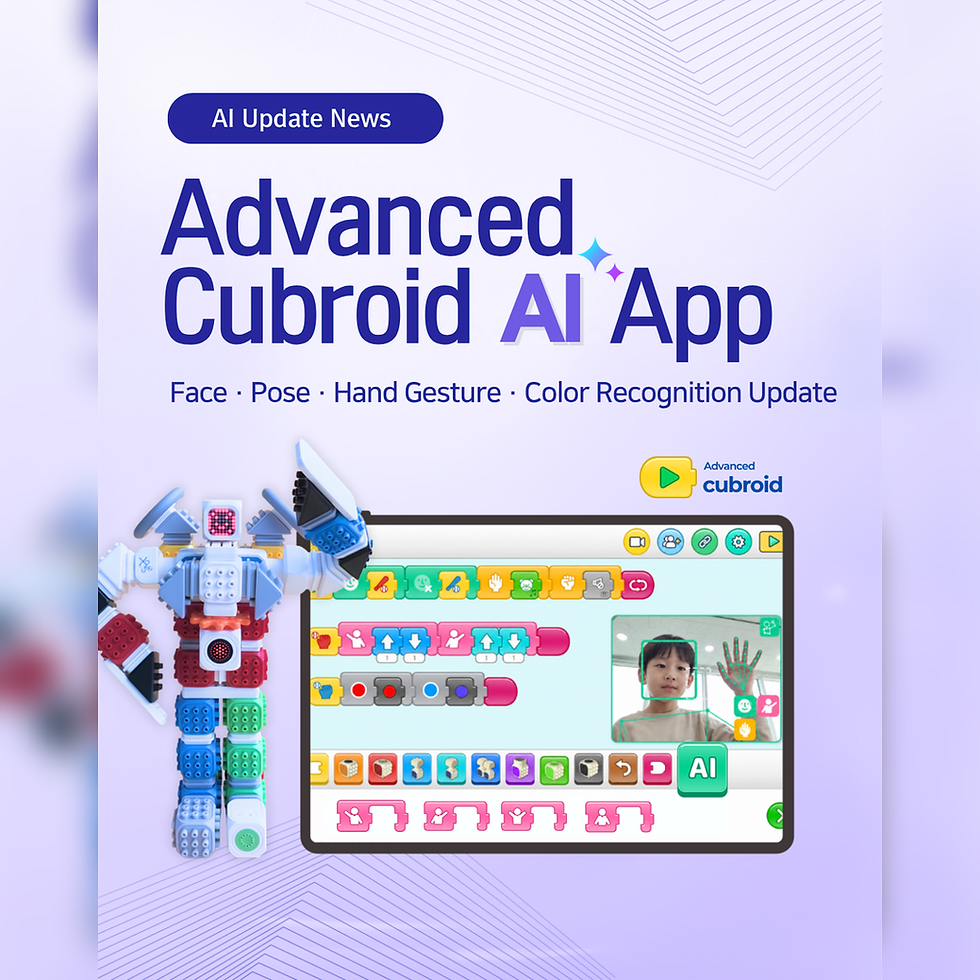
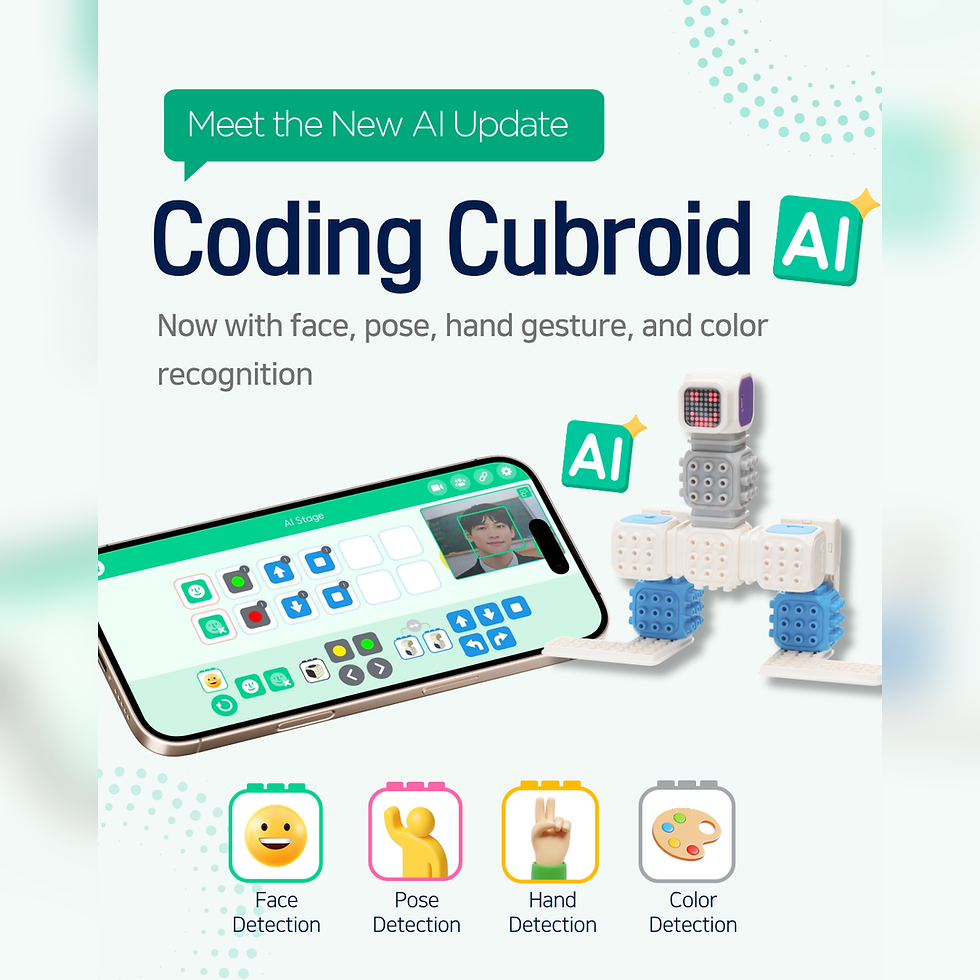
The four powerful recognition features previously available only on the web have finally been integrated into the Curo AI Edge app!
👤 Face Recognition: Reads facial features and expressions through the camera for various interactive activities.
🖐️ Hand Recognition: Precisely tracks hand movements to control robots or interact with on-screen objects.
🎨 Color Recognition: Distinguishes various colors via the camera, which can be applied to observation and conditional coding.
🚲 Object Recognition: Identifies everyday objects around you for real-world connection projects.

➕ Existing Features, Now Perfectly Offline!
Machine Learning & Pose Recognition: The existing Machine Learning (image training and classification) and Pose Recognition features in Curo AI Edge can now be used seamlessly offline! Feel free to design more diverse, hands-on AI classes with ease.
3. 🛑 A Safer and More Convenient Control Environment with the 'Stop Button'
For our guiding teachers and parents, we've newly added a [Stop Button] that can immediately halt any running actions.
🛡️ If the coding result behaves unexpectedly or the robot malfunctions, you can stop it safely with just one click.
🔄 In case of a problem, you can stop it instantly, fix the code, and run it again, making debugging much easier!

4. 📥 Essential Checklist Before Installation
To use the newly updated offline AI features, you must install the latest version of Curo AI Edge. For a smooth installation, please make sure to check these two things!
⚠️ Delete the Old App First: To prevent program conflicts, please make sure to delete the existing older version of the app from your PC first.
💻 Install the Latest Version: After deleting the old app, please download the latest file in a stable network environment and proceed with the new installation.

👉 [Download the Latest Version]
This update for Curo AI Edge significantly enhances stability, aligning perfectly with our goal of 'classes where students directly and smoothly execute AI.' We highly recommend updating right now so that our children's computational thinking can grow without any limits!
Thank you.

Comments